
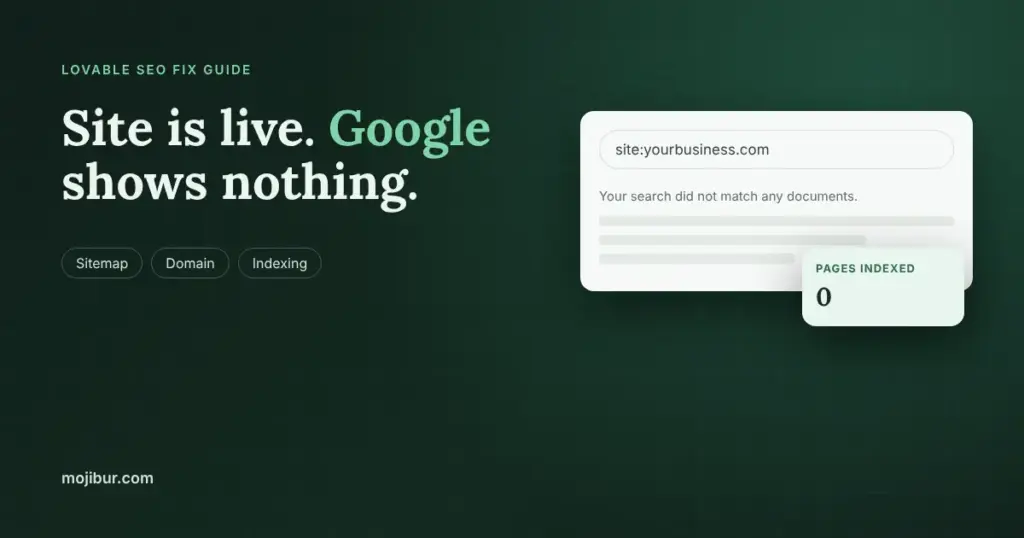
A Lovable site usually stays out of Google for fixable reasons: it still lives on a lovable.app address, it has no sitemap, every page shares the same title, or a noindex tag blocks it. Make your custom domain the main address, add a sitemap and robots.txt, give each page its own title and description, then request indexing in Search Console. Indexing then takes a few days to several weeks.
Get it fixed for you, from $50You launched your Lovable site, shared the link, and weeks later a Google search for your business name still shows nothing. This is one of the most common problems owners of AI-built sites run into.
The good news: it usually comes down to a few fixable settings. Here is how to find the cause and fix it, in plain words.
First, check if Google knows your site
- Search Google for site:yourdomain.com. If nothing shows, no page is indexed yet.
- Add your domain to Google Search Console and verify it with a DNS record.
- Paste your home page address into the URL Inspection tool. It tells you whether the page is indexed and, if not, why.
The common reasons
- The site is still on a lovable.app address. Google may index the subdomain instead of your own domain, or treat them as duplicates.
- No sitemap. Without a sitemap.xml, Google has to discover pages on its own, which is slow for a new site.
- Content loads only with JavaScript. Lovable builds React apps. Google can render them, but it is slower and sometimes sees an almost empty page.
- Same title and description on every page. If every page says the same thing, Google has little reason to show them.
- Blocked by robots.txt or a noindex tag, often left over from testing.
- No links pointing to the site. A brand new domain with zero links can wait a long time before it is crawled.
How to fix it
- Connect your custom domain and make it the main address. See how to connect a custom domain to Lovable.
- Add a sitemap.xml and robots.txt listing every page, then submit the sitemap in Search Console.
- Give each page its own title and meta description, written around what people actually search for.
- Remove any noindex tags and check that robots.txt does not block the site.
- Request indexing for your key pages in the URL Inspection tool.
- Get a few real links: Google Business Profile, social profiles, directories in your industry.
The full list of launch checks is in the Lovable SEO checklist.
When it keeps happening
If your business depends on Google traffic, a blog and many pages, a JavaScript app is not the easiest home for it. Some owners keep Lovable and fix the basics above. Others move the marketing site to WordPress, where pages are plain HTML from the start and SEO tools are built in. Read Lovable to WordPress: cost, time and what changes if you are weighing that.
FAQ
How long does Google take to index a new Lovable site?
Anywhere from a few days to several weeks. A sitemap, Search Console and a few links make it much faster.
Is Lovable bad for SEO?
Not by default, but it needs extra setup: custom domain, sitemap, unique titles and checking that Google sees your content.
Why does Google show my lovable.app address instead of my domain?
The subdomain was found first. Make your custom domain the main address and submit it in Search Console.
Can you fix this for me?
Yes. I fix indexing and SEO basics on Lovable, Base44 and v0 sites, or move the site to WordPress if that suits you better.
Still not on Google?
Send me your site link and I will tell you what is blocking it. Or start with a free 5-minute video review.
Fix my AI-built site ↗