
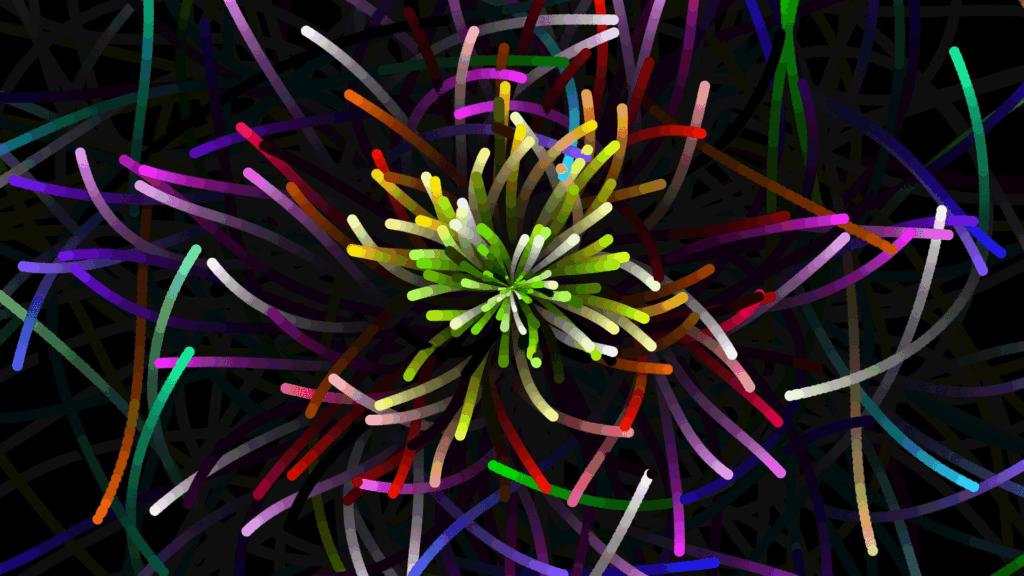
An animated particle background adds depth and movement to hero sections without heavy images. This guide shows how to add a particle effect in Elementor using CSS and JavaScript. Copy the code and set it behind your headline for an eye catching intro.
https://github.com/tsparticles/presets
See the Pen #codevember - 9 - Sea Anemone - Made with tsParticles by Matteo Bruni (@matteobruni) on CodePen.
How it works
A canvas or set of elements renders many small dots that drift and connect as they move, driven by a lightweight script. CSS positions the effect behind your content so your text stays readable on top. The motion is generated in the browser, so no video file is needed.
Tips and customization
- Change the particle count and speed for a calmer or busier feel.
- Match the particle color to your brand.
- Keep contrast high so overlaid text stays legible.
FAQ
Will it slow down my page?
Keep the particle count reasonable and it stays smooth. Reduce it on mobile if needed.
Does it need a plugin?
No. A script and some CSS placed in an HTML widget are enough.
Ready to make it work?
I can help turn the idea into a reliable WordPress experience.
Start a conversation ↗