


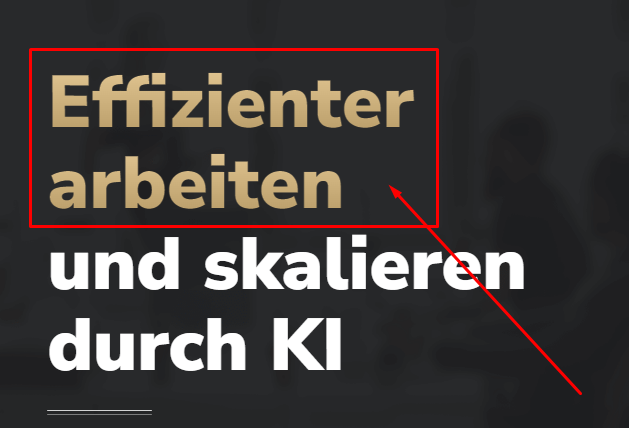
Gradient text is an easy way to make headings pop without using images. This guide shows the simplest method to apply a color gradient to text in Elementor using CSS. Copy the code, choose your colors, and your headings will stand out.
Step 1: Add a Custom CSS Class
					.gra{
background-image: linear-gradient(180deg, #EACE9A 0%, #AE925E 100%);
-webkit-background-clip: text;
-webkit-text-fill-color: transparent;
}
Live Preview
Gradient Tex CSS
How it works
You set a linear gradient as the background of the text element, then clip that background to the letters and make the text color transparent. The gradient then shows only through the shape of the characters. It stays real text, so it remains selectable and readable by search engines.
Tips and customization
- Pick two or three colors that blend well.
- Change the angle for a horizontal, vertical, or diagonal flow.
- Reuse the class on any heading you like.
FAQ
Do I need Elementor Pro?
No. You can add the CSS in Site Settings on the free version.
Does it work on all browsers?
Yes, background clip text is supported across modern browsers.