


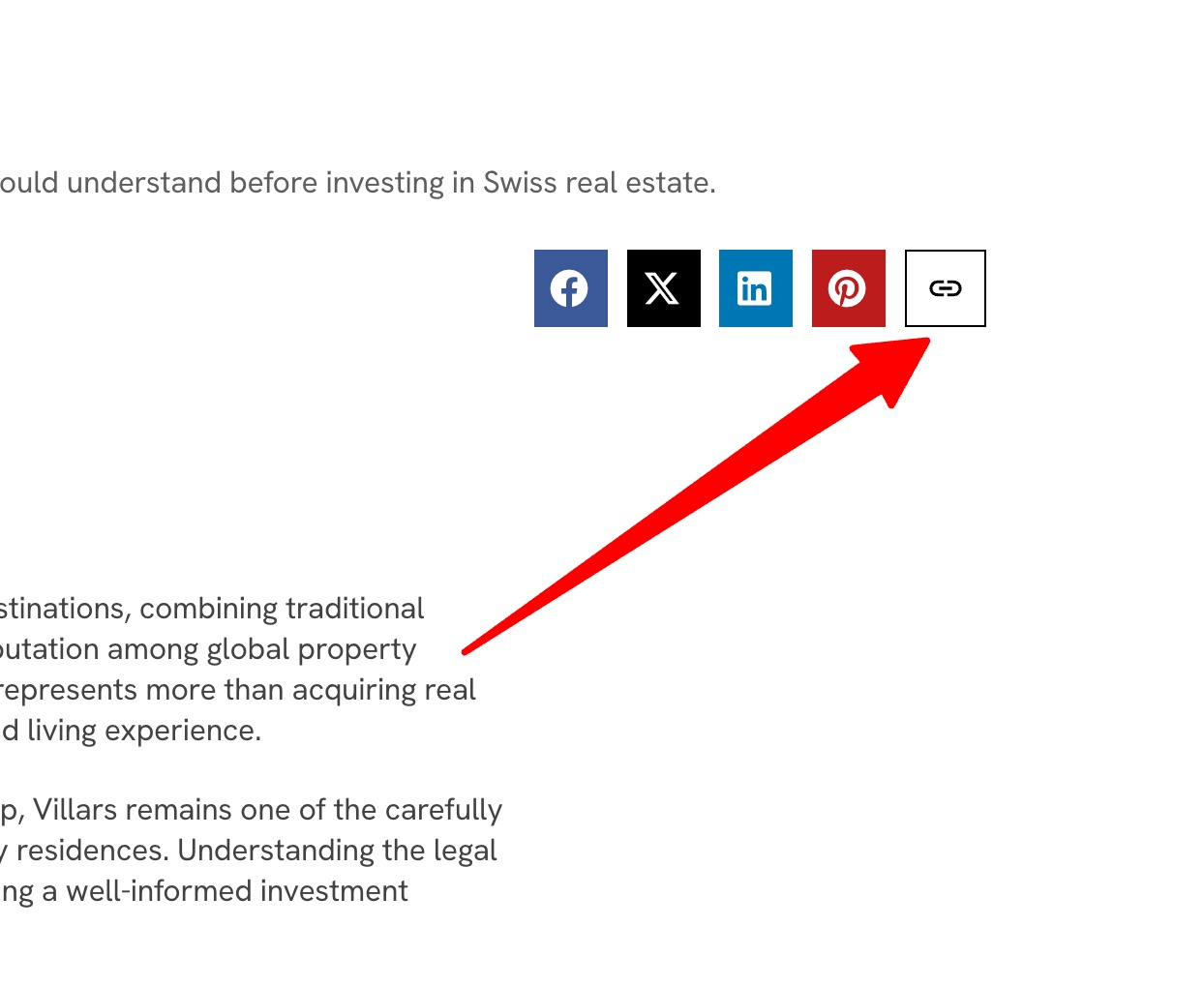
Giving readers a one click way to copy your post link makes sharing effortless. This guide shows how to add a copy link button in Elementor using a small piece of JavaScript. Copy the code, place the button, and visitors can grab the URL instantly.
Add this Custom HTML in Elementor
class: dropcap
					<div class="copy-wrap">
  <button class="copy-link"><svg xmlns="http://www.w3.org/2000/svg" width="20" height="20" viewBox="0 0 20 20" fill="none">
  <path d="M3.25033 9.99998C3.25033 8.57498 4.40866 7.41665 5.83366 7.41665H9.16699V5.83331H5.83366C3.53366 5.83331 1.66699 7.69998 1.66699 9.99998C1.66699 12.3 3.53366 14.1666 5.83366 14.1666H9.16699V12.5833H5.83366C4.40866 12.5833 3.25033 11.425 3.25033 9.99998ZM6.66699 10.8333H13.3337V9.16665H6.66699V10.8333ZM14.167 5.83331H10.8337V7.41665H14.167C15.592 7.41665 16.7503 8.57498 16.7503 9.99998C16.7503 11.425 15.592 12.5833 14.167 12.5833H10.8337V14.1666H14.167C16.467 14.1666 18.3337 12.3 18.3337 9.99998C18.3337 7.69998 16.467 5.83331 14.167 5.83331Z" fill="black"/>
</svg></button>
  <span class="copy-tooltip">Link copied</span>
</div>

<style>
.copy-wrap button {
    border: 1px solid #000;
    border-radius: 0;
    color: #000 !important;
    padding: 9px 10px;
    margin: 0 !important;
    height: 40px !important;
}
.copy-wrap button:hover,
.copy-wrap button:focus{
    background: #000;
}
.copy-wrap button:hover svg path,
.copy-wrap button:focus svg path{
    fill: #fff;
}
.copy-wrap{
  position: relative;
  display: inline-block;
}
.copy-tooltip{
  position: absolute;
  bottom: 120%;
  left: 50%;
  transform: translateX(-50%);
  background: #000;
  color: #fff;
  font-size: 14px;
  padding: 5px 10px;
  border-radius: 2px;
  opacity: 0;
  pointer-events: none;
  transition: opacity .25s ease, transform .25s ease;
  white-space: nowrap;
}

.copy-tooltip.show{
  opacity: 1;
  transform: translateX(-50%) translateY(-4px);
}

/* small arrow */
.copy-tooltip::after{
  content: "";
  position: absolute;
  top: 100%;
  left: 50%;
  transform: translateX(-50%);
  border: 5px solid transparent;
  border-top-color: #000;
}
</style>

<script>
const btn = document.querySelector('.copy-link');
const tooltip = document.querySelector('.copy-tooltip');

btn.onclick = () => {
  navigator.clipboard.writeText(window.location.href);

  tooltip.classList.add('show');
  setTimeout(()=> tooltip.classList.remove('show'), 1500);
}
</script>
How it works
The button uses the browser clipboard feature to copy the current page URL when clicked. A short script handles the copy action and can show a brief confirmation, such as changing the label to Copied. It works without any external service.
Tips and customization
- Show a Copied confirmation for a second after clicking.
- Style the button to match your other buttons.
- Place it near the title or at the end of the post.
FAQ
Does it work on all browsers?
Yes. The modern clipboard feature is supported across current browsers.
Do I need a plugin?
No. A small script in an HTML widget handles everything.