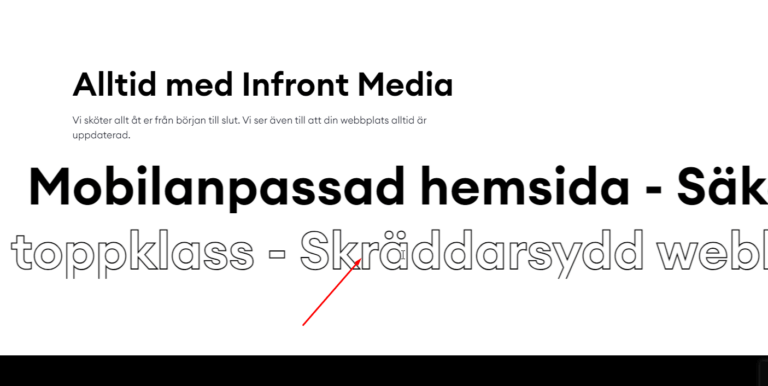


A smoke text effect makes letters drift and dissolve like vapor, adding a striking, animated touch to headings. This guide shows how to create it in Elementor using simple HTML and CSS, with a live demo. Copy the code and give your titles some drama.
Create stunning smoke text effects in Elementor using simple HTML, CSS, and Elementor’s custom code features. This guide walks you through each step with clean code and a live design preview. Perfect for beginners and designers looking to add eye-catching animations to their WordPress website.
Live example
My services WordPress website design
Smok text effect CSS
.smoke .elementor-widget-container span{
    cursor: default;
    position: relative;
    display: inline-block;
}
.smoke .elementor-widget-container span.active{
    animation: smoke 1s linear;
}
@keyframes smoke{
    50%{
        opacity: 1;
    }
    100%{
        opacity: 0;
        filter: blur(20px);
        transform: translateX(300px) translateY(-300px) rotate(360deg) scale(4);
    }
}
.smoke .elementor-widget-container span.back{
    opacity: 0;
    filter: blur(20px);
    animation: back 1s linear 0.5s;
}
@keyframes back{
    100%{
        opacity: 1;
        filter: blur(0);
    }
}
Smok text effect JS
<script data-minify="1" src="https://mojibur.com/wp-content/cache/min/1/jquery-3.6.0.min.js?ver=1790750029"></script>
<script>
(function($){
$(document).ready(function(){

var heading = $('.smoke .elementor-widget-container').children()

heading.each(function(){
    $(this).html($(this).text().replace(/\S/g, '<span>$&</span>'))
})

var headingLetter = heading.find('span')

headingLetter.on('mouseover', function(){
    $(this).removeClass('back').addClass('active')
})

headingLetter.on('animationend webkitAnimationEnd oAnimationEnd MSAnimationEnd', function(e){
    if ( $(e.target).hasClass('active')  ){
        $(this).removeClass('active').addClass('back')
    }else{
        $(this).removeClass('back')
    }
})

})
}(jQuery))
</script>
How it works
Each letter is wrapped so it can be animated on its own. On interaction, a CSS keyframe blurs, scales, and fades the letter to create the smoke, then restores it. Because it uses transforms and opacity, the effect stays smooth across devices.
Tips and customization
- Adjust the blur and scale for a thicker or thinner smoke.
- Change the animation speed to taste.
- Trigger the effect on hover or on load.
FAQ
Does it work on mobile?
Yes, though hover triggers should be swapped for tap on touch devices.
Does it need a plugin?
No. HTML, CSS, and a small script are all you need.
Ready to make it work?
I can help turn the idea into a reliable WordPress experience.
Start a conversation ↗