

Slide 01
Custom navigation drives this carousel.
Insights / Tutorial
Default slider arrows and dots do not always match your design. Customizing the slider or carousel buttons in Elementor lets you create controls that fit your brand perfectly. This guide shows how to style them with a little CSS.
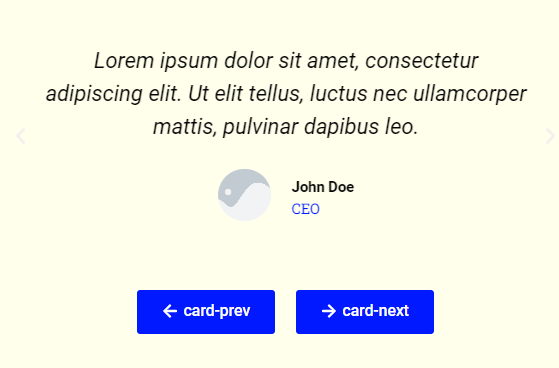
The separate previous and next controls move full cards inside the frame.
Custom navigation drives this carousel.
Custom navigation drives this carousel.
Custom navigation drives this carousel.
A live recreation of the technique explained in the guide below.
Default slider arrows and dots do not always match your design. Customizing the slider or carousel buttons in Elementor lets you create controls that fit your brand perfectly. This guide shows how to style them with a little CSS.
<script data-minify="1" src="https://mojibur.com/wp-content/cache/min/1/jquery-3.6.0.min.js?ver=1790750029"></script>
<script>
var $ = jQuery
$(document).ready(function(){

    $('.card-carousel .card-prev').on('click', function(){

        $(this).closest('.card-carousel').find('.elementor-swiper-button-prev').trigger('click')
        $(this).closest('.card-carousel').find('.swiper-container').trigger('mouseleave')
    })

    $('.card-carousel .card-next').on('click', function(){
        $(this).closest('.card-carousel').find('.elementor-swiper-button-next').trigger('click')
        $(this).closest('.card-carousel').find('.swiper-container').trigger('mouseleave')
    })

    $('.card-carousel .card-prev a, .card-carousel .card-next a').on('click', function(e){
        e.preventDefault()
    })
})
</script>
Top section class
card-carousel
Next button class
card-next
Prev button class
card-prev
The slider generates navigation elements such as arrows and dots that you can target with CSS. By adjusting their size, color, position, and hover state, you turn the default controls into custom buttons. The slider behavior stays the same while the look becomes yours.
Does this change how the slider works?
No. It only restyles the controls. The sliding behavior is untouched.
Do I need Pro?
It depends on the slider widget, but the CSS styling itself works on any plan.
I can help turn the idea into a reliable WordPress experience.
Start a conversation ↗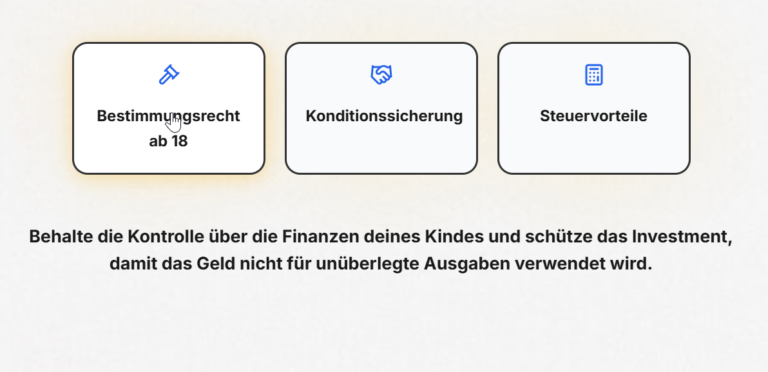
Showing different text as a visitor hovers over tabs makes a section feel interactive and saves space. This guide shows how to change paragraph text on tab hover in Elementor using a small JavaScript snippet.
↗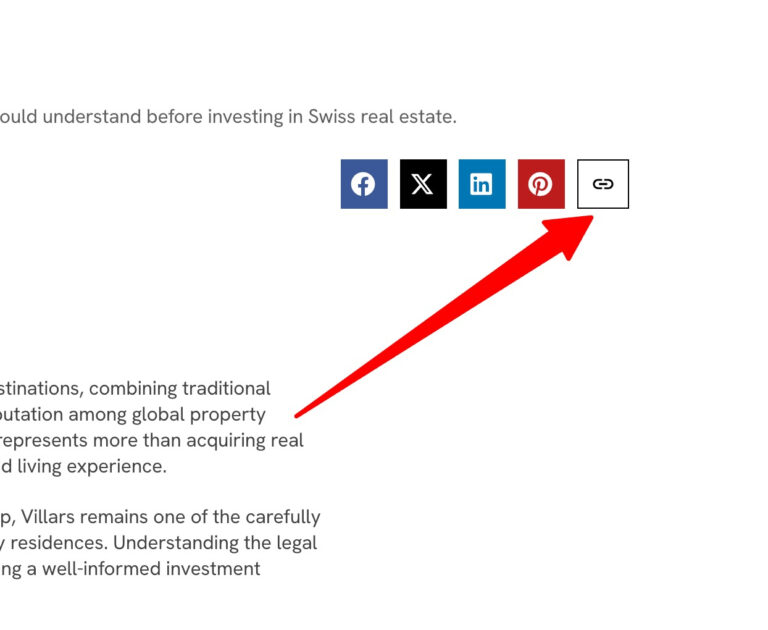
Giving readers a one click way to copy your post link makes sharing effortless. This guide shows how to add a copy link button in Elementor using a small piece of JavaScript.
↗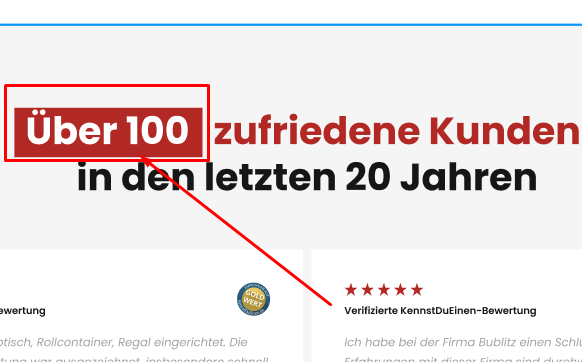
The HTML mark tag is a simple, semantic way to highlight important words, like a text highlighter on paper. This guide shows how to use it in Elementor and style it with CSS so your highlights match your brand.
↗Need help with this?
If this guide is close to what you need, I can build the complete solution on your WordPress site.
Prefer email? f@mojibur.com