Text Marquee in Elementor with HTML and CSS
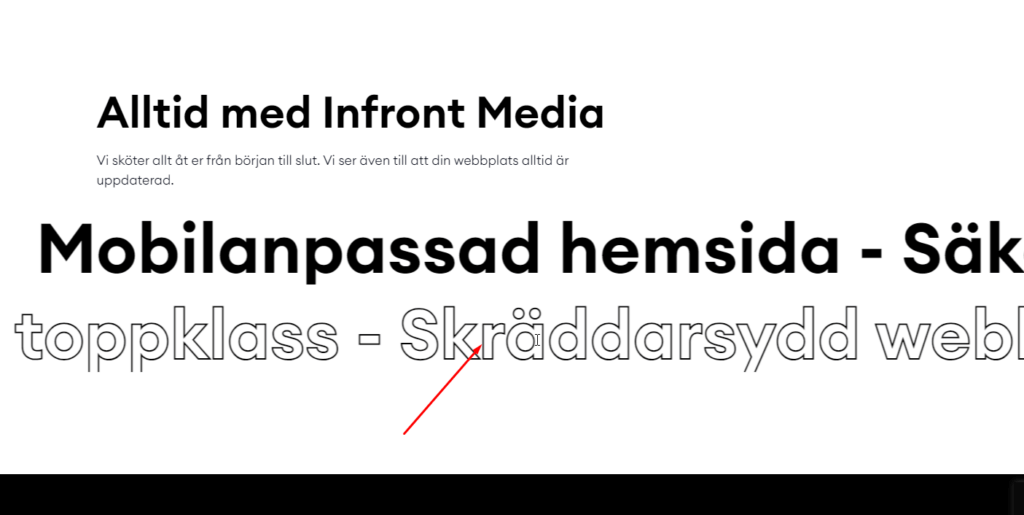
A text marquee adds movement to your page by scrolling a line of text across the screen, perfect for announcements, offers, or headlines.
A text marquee adds movement to your page by scrolling a line of text across the screen, perfect for announcements, offers, or headlines.
A play button that gently pulses draws the eye straight to your video or audio content. In this tutorial you will build one in Elementor using nothing but CSS, so it stays lightweight and works on any device.
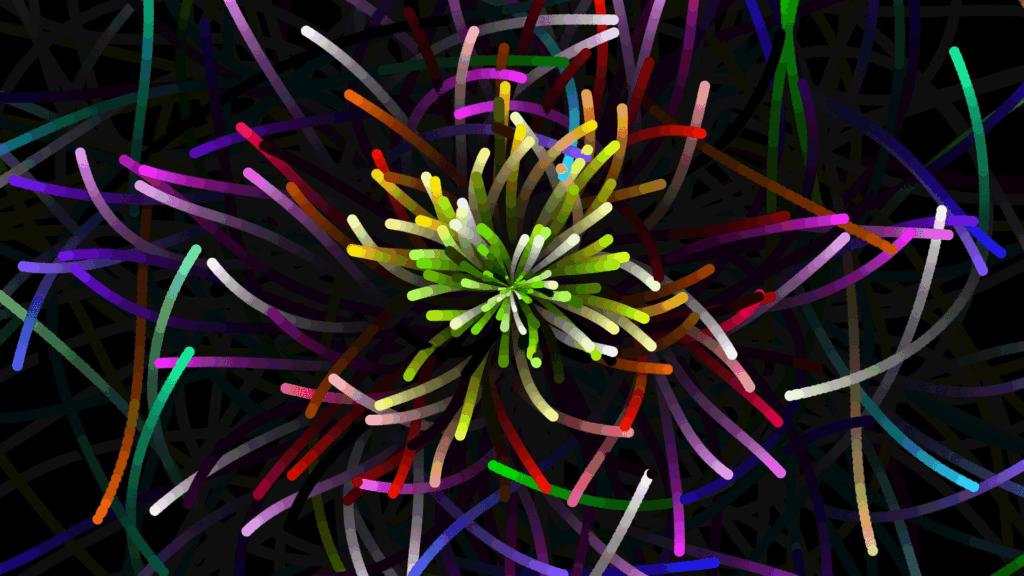
An animated particle background adds depth and movement to hero sections without heavy images. This guide shows how to add a particle effect in Elementor using CSS and JavaScript.
A scrolling image marquee is a smooth way to show logos, partners, or a gallery in a continuous moving strip. This guide shows how to create an image marquee in Elementor with simple HTML and CSS.
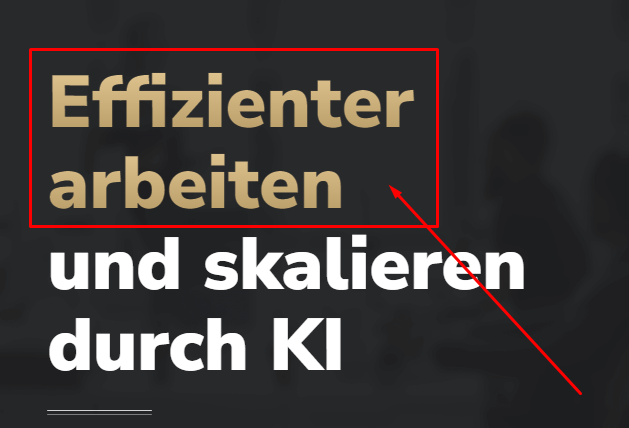
Gradient text instantly makes headings feel modern and premium. With Elementor Pro and a few lines of custom CSS you can apply a smooth color gradient to any heading, no images required.
A smoke text effect makes letters drift and dissolve like vapor, adding a striking, animated touch to headings. This guide shows how to create it in Elementor using simple HTML and CSS, with a live demo.
A highlight behind key words in a heading draws attention and adds personality to your titles. This guide shows how to create a highlight heading in Elementor with a custom code snippet.
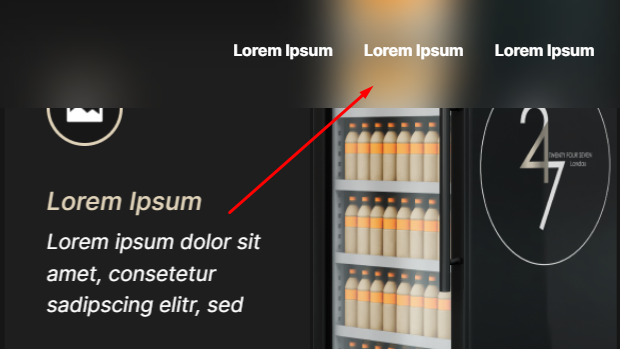
The glassmorphism, or glassy, effect gives cards and sections a frosted, semi transparent look that feels modern and premium. This guide shows how to create it in Elementor with a few lines of CSS.
Gradient text is an easy way to make headings pop without using images. This guide shows the simplest method to apply a color gradient to text in Elementor using CSS.
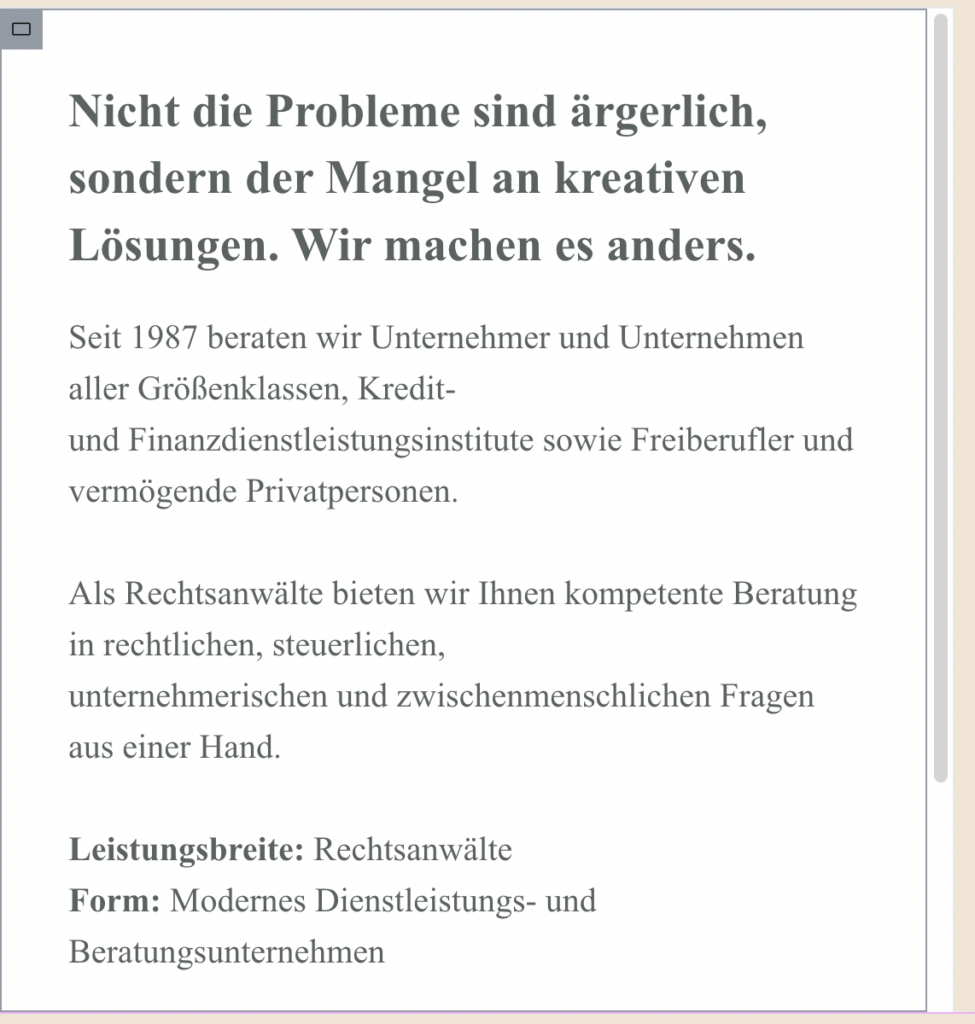
A styled scrollbar is a small detail that makes a design feel finished and cohesive. This guide shows how to add a custom scrollbar to any Elementor container with simple CSS. Copy the code, match your colors, and refine the look.