Freelancer Mojibur

Category: Interactions

Custom Slider or Carousel Button in Elementor
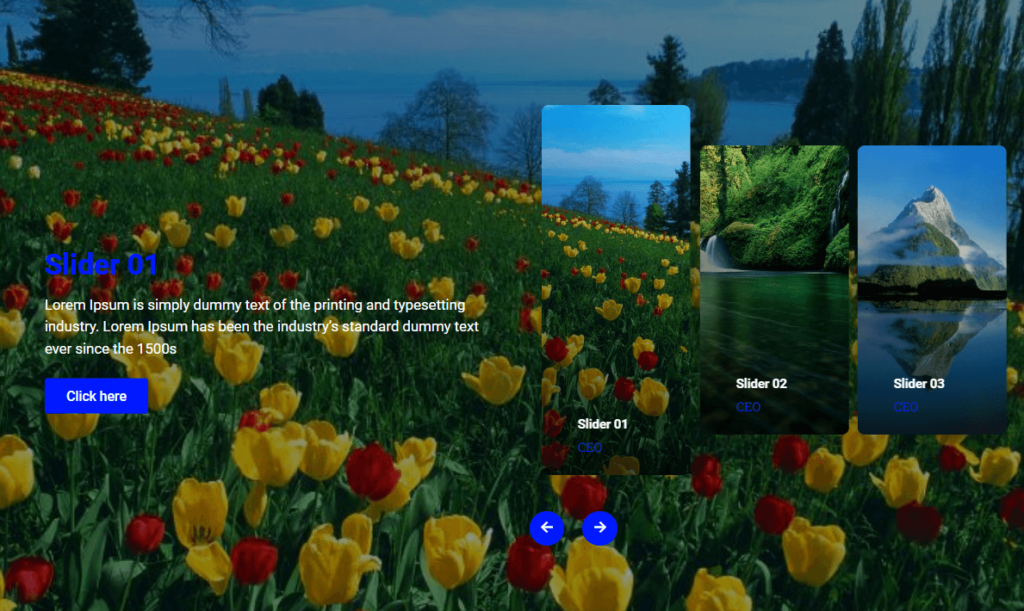
Default slider arrows and dots do not always match your design. Customizing the slider or carousel buttons in Elementor lets you create controls that fit your brand perfectly. This guide shows how to style them with a little CSS.
Tab hover changes Paragraph using JavaScript for Elementor

Showing different text as a visitor hovers over tabs makes a section feel interactive and saves space. This guide shows how to change paragraph text on tab hover in Elementor using a small JavaScript snippet.

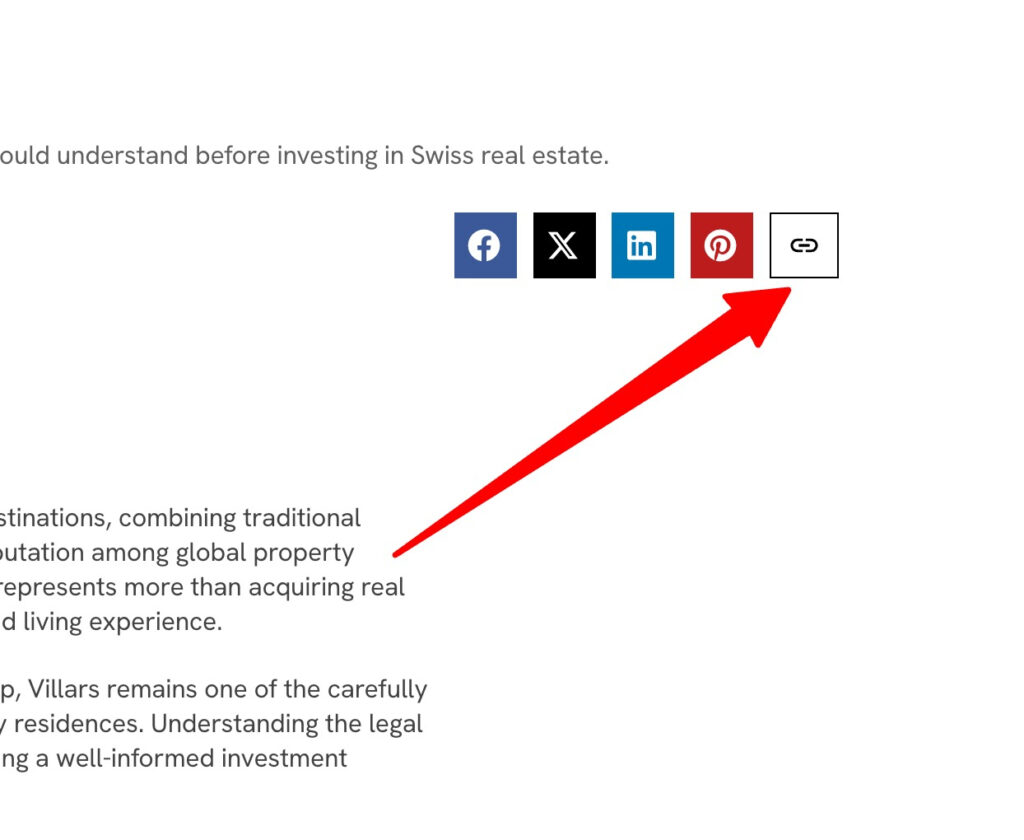
Add a Copy Post Link Button in Elementor

Giving readers a one click way to copy your post link makes sharing effortless. This guide shows how to add a copy link button in Elementor using a small piece of JavaScript.

HTML mark Tag and CSS in Elementor

The HTML mark tag is a simple, semantic way to highlight important words, like a text highlighter on paper. This guide shows how to use it in Elementor and style it with CSS so your highlights match your brand.

Elementor Form Custom Thank You Message

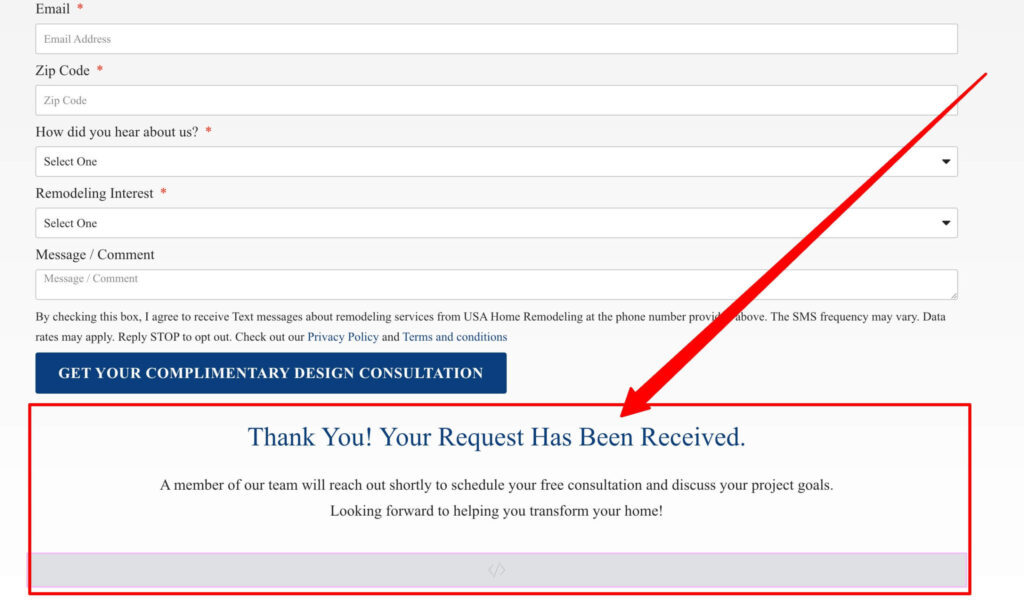
A custom thank you message after a form submission reassures visitors and can guide their next step. This guide shows how to display a personalized thank you message in Elementor after someone submits your form.

How to Create Custom Dynamic Popups in Elementor with CSS & JS

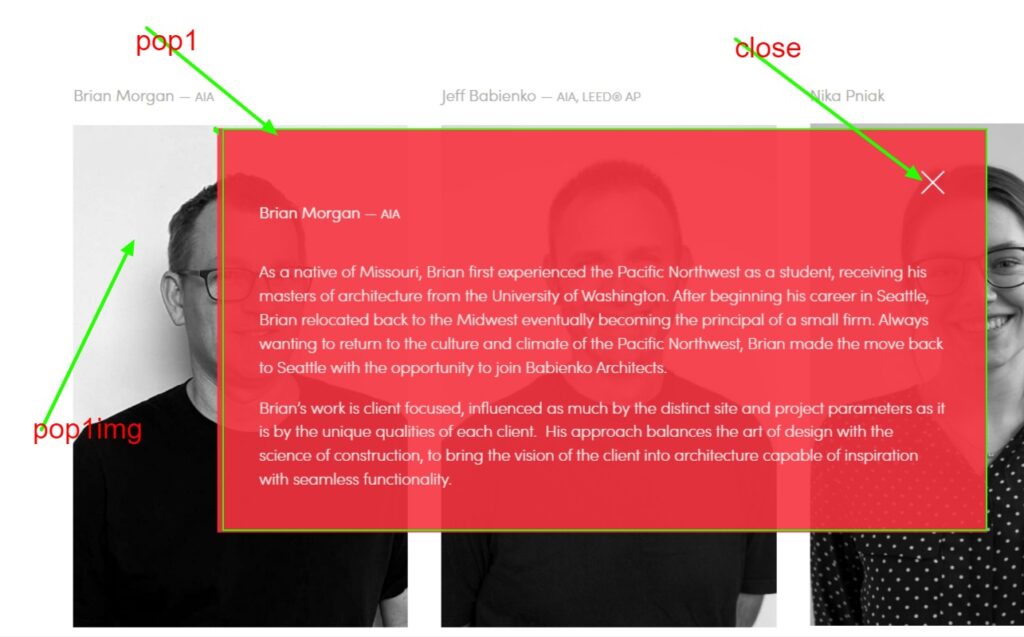
Popups are great for offers, sign ups, and announcements, and building custom dynamic ones gives you full control over design and behavior. This guide shows how to create custom dynamic popups in Elementor using CSS and JavaScript.